
Online How to
Seriously…bookmark this page – it’ll save you time (I promise!)
Please note we contract with our online curriculum providers and they are designed for many schools. It’s important to READ this section to make sure you know how to use MSE specific directions.
- “Login” is the username you received in the email from Genius. It is NOT your email address.
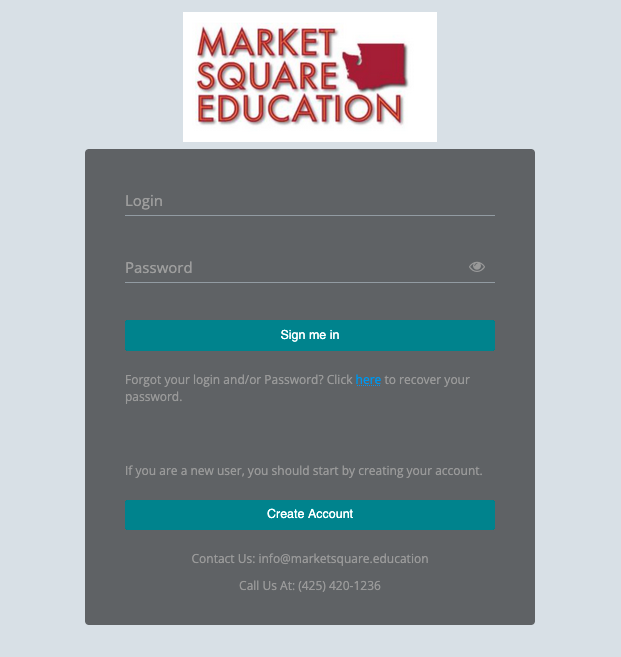
2. Password was sent to your email – it expires after an hour. If it’s been longer than 1 hour click on the “click here” link.
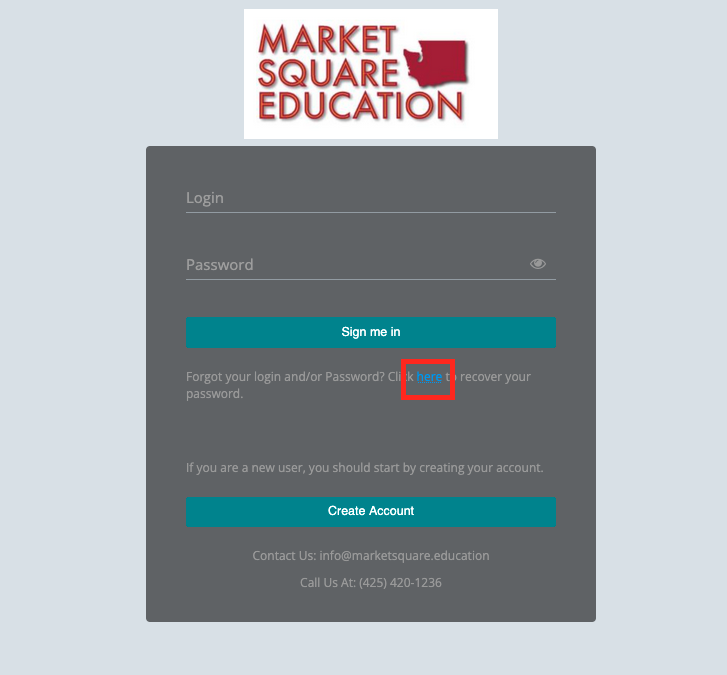
If you tried your password TWICE and it isn’t working click the click here to get a new temporary password. Genius will block your account if you try too many times.
If you get blocked email: info@marketsquare.education tell us you need your Genius password reset.
- Make sure you are prepared by going over all of the instructions and any related guided notes. The mastery tests, post tests, and final tests are closed-book.
- Don’t open the test until you are ready to take the whole thing. Do not click outside of the test as Edmentum will lock you out. Every course except AP courses and World Languages allow for 3 attempts to get to 80% or better. If you achieve 80% or better on the first or second attempt you don’t get any more attempts. If you get locked out email info@marketsquare.education not your teacher.
- Tests are automatically scored. You will see your score right away.
Edmentum: Type directly into your assignment.
Buzz: Complete your assignment in a google doc or word doc. Make sure you upload the actual assignment and not a link to your assignment. Teachers often run into issues with sharing permissions. To avoid this download your assignment from your google doc first.
From your Genius dashboard, click on your teacher’s name in blue. From there you can send an email that goes to your teacher.
If your question is in reference to a specific assignment make sure to include the assignment number. Teachers prefer emails instead of messages within Edmentum or Buzz.
Once you have correctly submitted all of your teacher-scored work, allow a week for everything to be graded.
IMPORTANT: Avoid “Assignment Dumping.” Do not submit many teacher-scored assignments at the same time. They may take at least TWO WEEKS to be graded. Teachers give a lower priority to these assignments over those turned in on time.
After everything is graded and recorded, you and your parents will receive an email with instructions for getting your transcript sent to your school.
Questions? Email info@marketsquare.education. It’s always best to start here and not with your teacher.